Upload
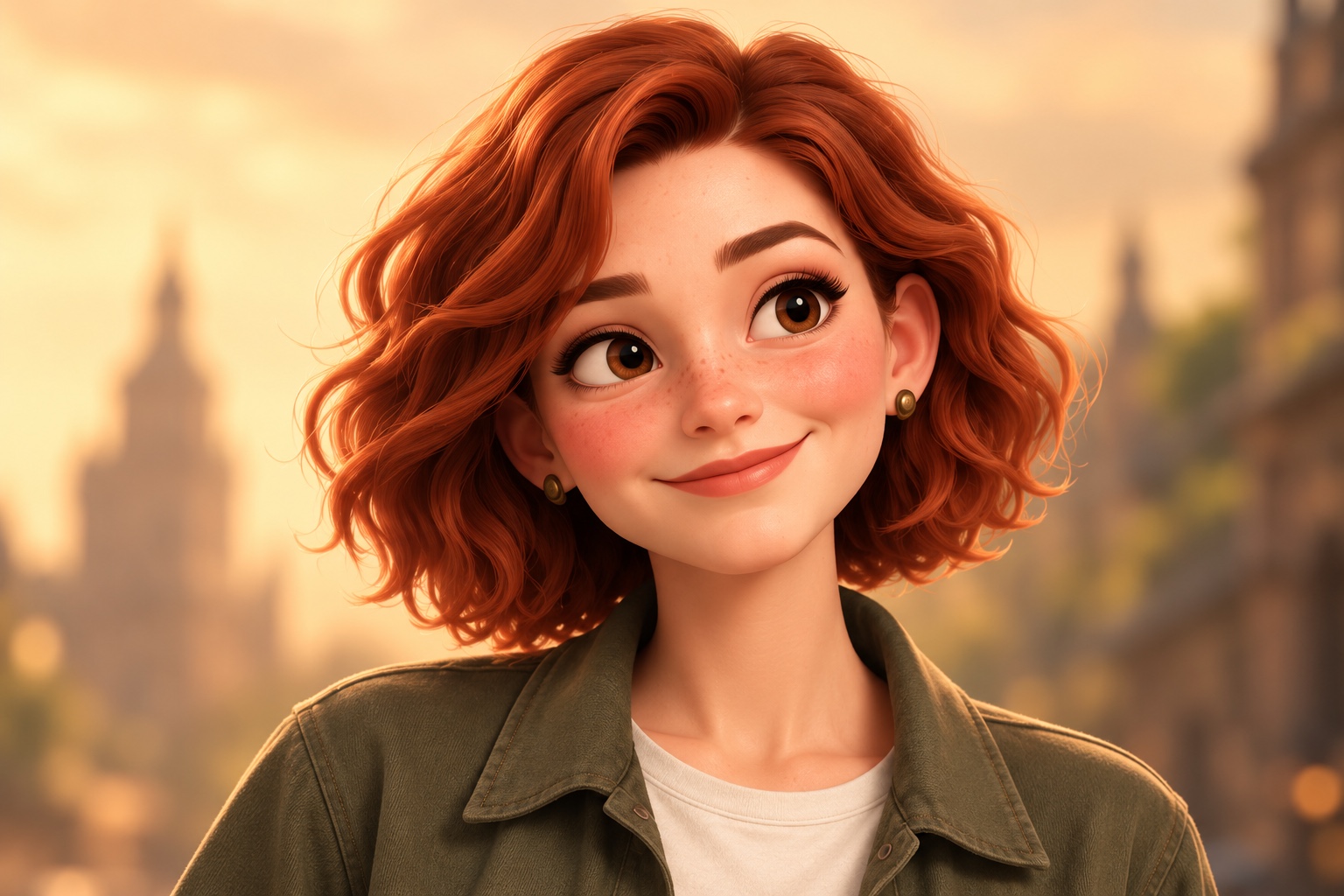
Choose a clear character image.
Turn a character image into a short looping GIF with our AI character GIF generator.
6 credits · 512 × 512 · Looping GIF
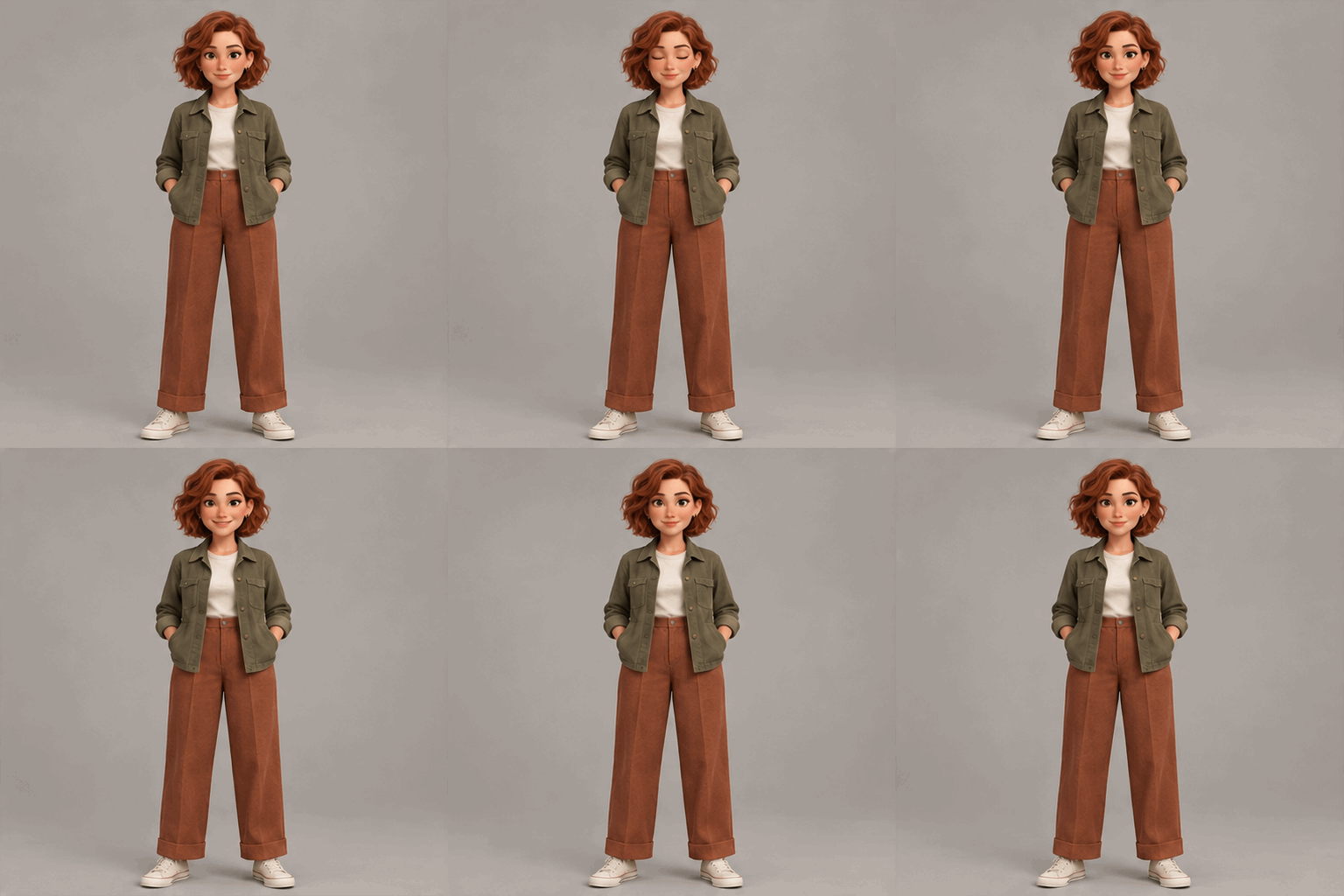
Choose a subtle motion and create a short looping GIF from your character image.
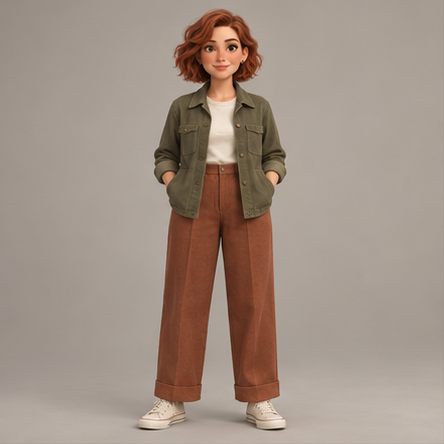
Choose a clear character image.
Pick a blink or a gentle expression.
Review your GIF and save it.
One recorded test, not a guarantee of results. Animated features and consistency may vary.
Upload a character image in PNG, JPG or WebP, choose a motion such as a blink, and create a looping GIF. Review the animation and download it within 24 hours. Each standard GIF uses 6 credits.
Each standard GIF uses 6 credits. Image generation and single-image revisions use 3 credits each. Credit packs are one-time purchases.
The standard animation is a 512 × 512 GIF with 9 frames and a requested duration of 1.8 seconds.
Private images and GIF files are kept for 24 hours after saving. Download them before they expire.
Results vary; check the face, clothes and movement. Small details can change between frames.
Need a complete reference first? Create a character reference set →