Front & three-quarter
Read the proportions and outfit in a straight-on view, then check the shape as the character turns.
An AI character turnaround generator for a clearer view of your design. Start with one image and build four full-body angles around the same character.
Create a turnaround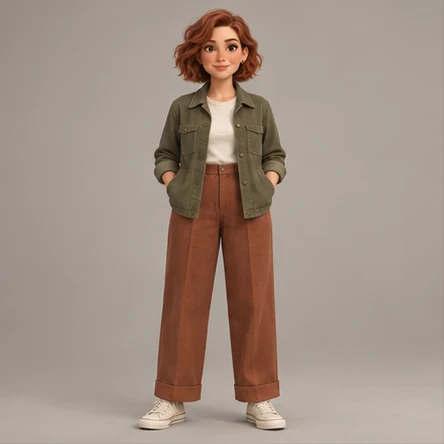
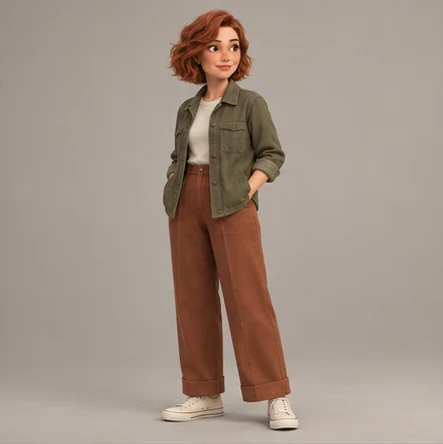
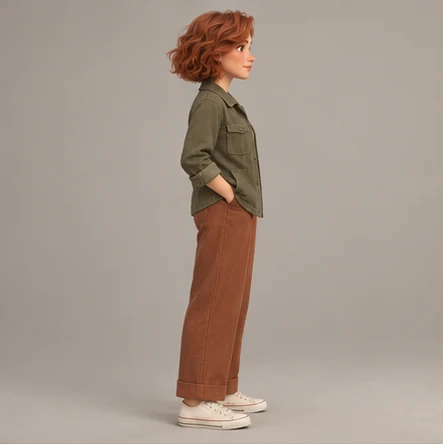
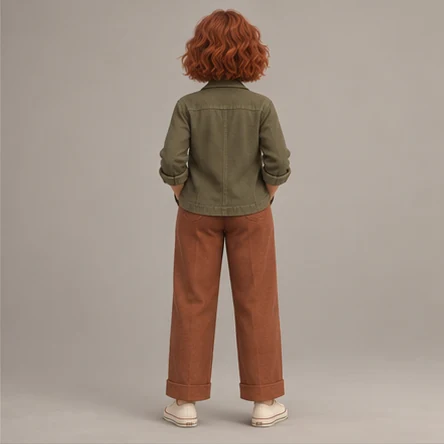
Read the proportions and outfit in a straight-on view, then check the shape as the character turns.
Inspect the profile, hair shape and rear clothing details that a front-facing reference cannot show.
Refine a specific view when needed. Keep the original reference beside the generated set as you check the character.
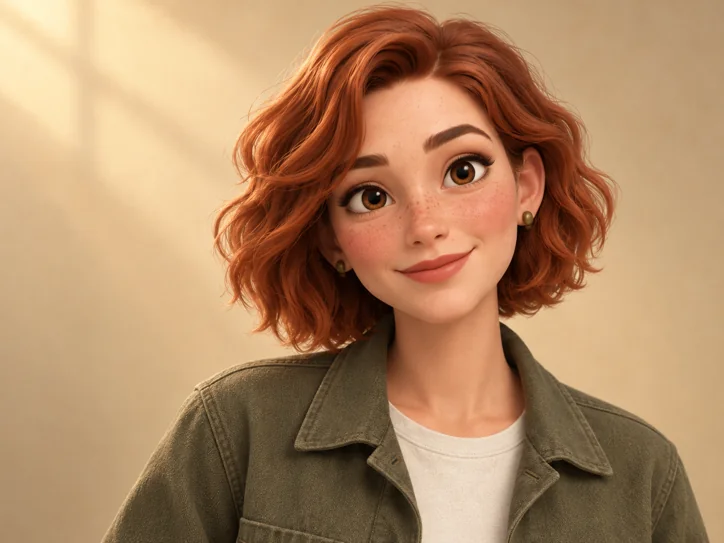
Use a full-body image with the feet and top of the head visible. A standing pose is easier to interpret than an action pose. Describe what should appear on the back, including seams, hair length or accessories. Generated angles are concept references rather than exact orthographic geometry. For 3D modeling, reconcile proportions and alignment with an artist before production.
This preset includes front, three-quarter, right-side profile and back views. It focuses on full-body angles rather than facial expressions.
It can help communicate a concept. AI views are not guaranteed to align or preserve exact measurements; a modeler or artist should check geometry and proportions.
Yes. Open that image and describe a specific change, such as a true right-side profile. You can compare the refinement before using it.
A turnaround focuses on the body from different angles. The full reference sheet preset also includes facial expressions.
Uploaded references and generated images are automatically deleted 24 hours after each file is saved. Download your files before the expiry time shown in your workspace.