Four body views
Front, three-quarter, side and back views help communicate the outfit, silhouette and proportions.
Turn one character image into a visual reference you can actually work with. Four body views, four expressions, and the details that make the character yours.
Create a reference sheet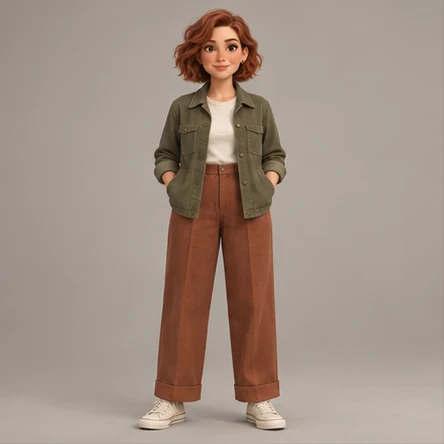
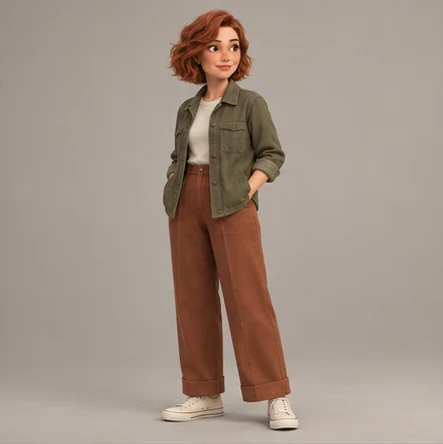
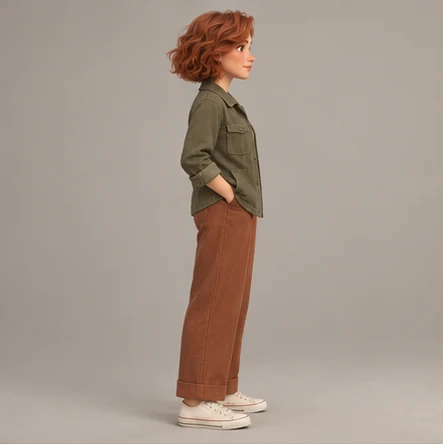
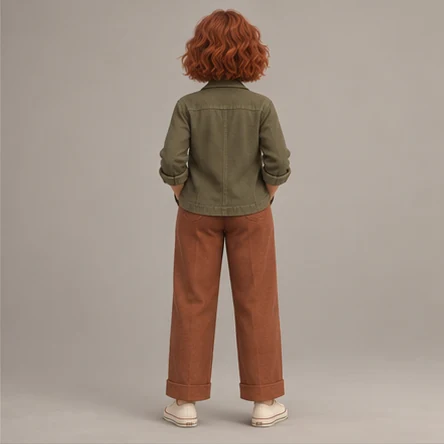
Front, three-quarter, side and back views help communicate the outfit, silhouette and proportions.
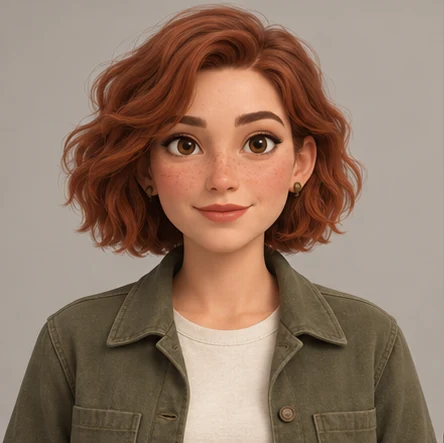
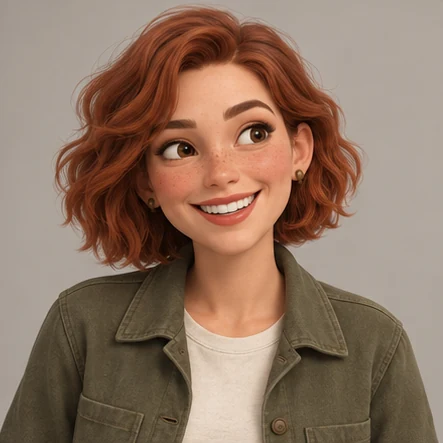
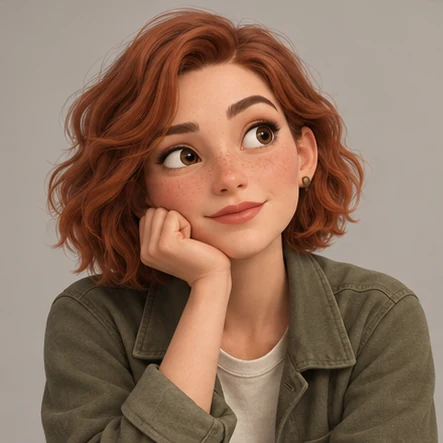
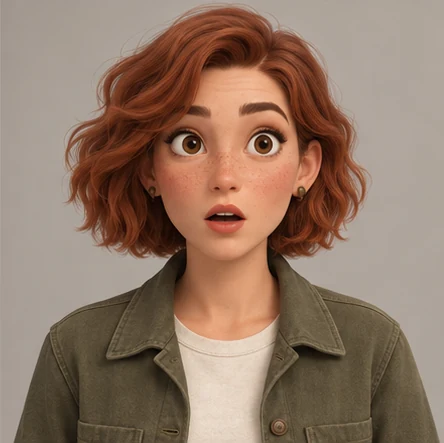
Neutral, smiling, thoughtful and surprised portraits put the face and personality alongside the body reference.
Export separate images, a labeled contact sheet and the saved character brief in one ZIP. Review consistency before you hand it off.
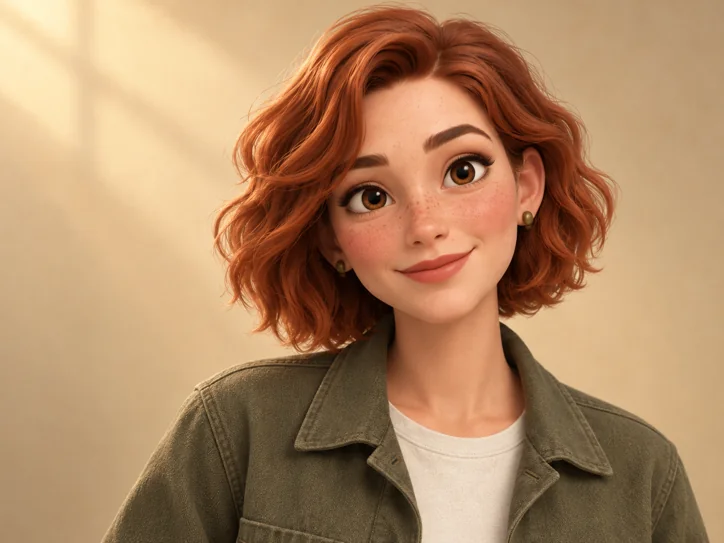
A useful reference sheet gives another artist enough information to recognize and redraw the character. Include readable body angles, a clear face, recurring clothing and accessories. Add a short brief for details hidden by the original image, such as the back of a coat. CharaFold creates visual starting points from your reference; it does not replace a final character design review.
Yes. Describe the clothing, footwear and body proportions that are missing from the portrait. Those details are inferred by AI, so review the full-body views carefully.
Yes, if you own the reference or have permission to use it. Keep distinctive features in the brief and review whether they survive each angle.
It produces AI-generated visual references. Proportions and small details may vary between images; it is not a dimensionally exact orthographic modeling tool.
PNG, WebP or JPG image files, a labeled PNG contact sheet, and an optional plain-text character brief inside a ZIP.
Uploaded references and generated images are automatically deleted 24 hours after each file is saved. Download your files before the expiry time shown in your workspace.