A focused portrait set
Four head-and-shoulders portraits make it easier to inspect the face without full-body details competing for attention.
Create an AI character expression sheet from your reference. Explore neutral, smiling, thoughtful and surprised portraits while keeping the character’s features in view.
Create an expression sheet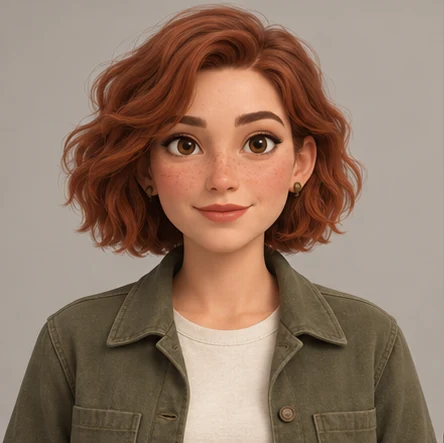
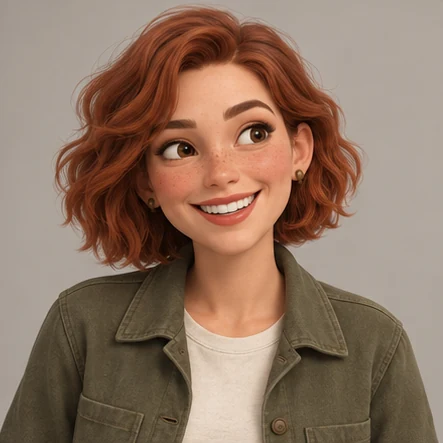
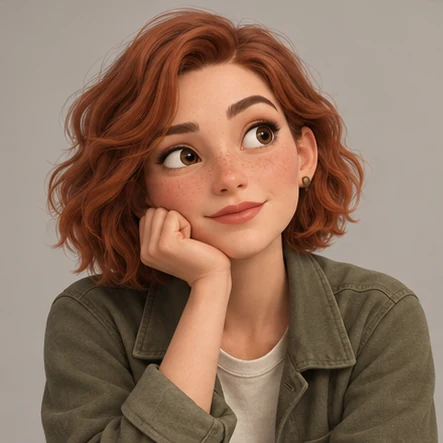
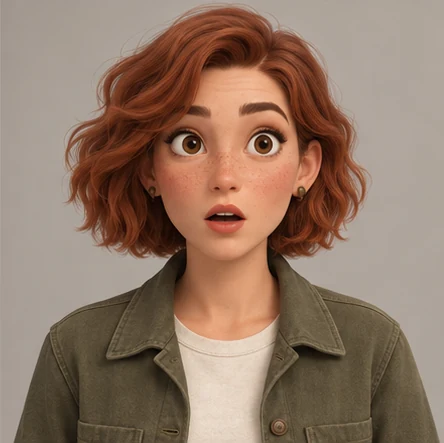
Four head-and-shoulders portraits make it easier to inspect the face without full-body details competing for attention.
Compare the eyes, face shape, hair and accessories while you review how the expression changes.
Describe a specific facial adjustment, review the new version alongside the original, and choose the image to keep.
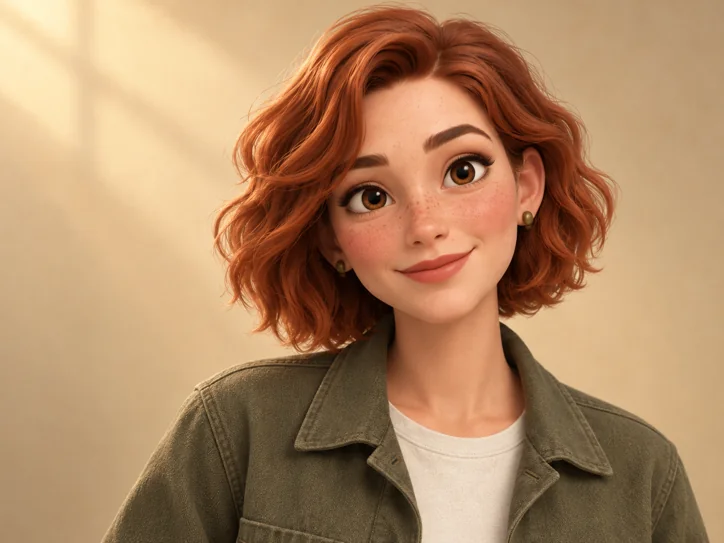
Use a sharp portrait with a visible face, ideally from the front or a slight three-quarter angle. Remove sunglasses or heavy occlusion if eye shape matters. Describe the character’s recognizable facial details rather than a long scene. AI can change facial identity when emotions become exaggerated, so compare the eye spacing, nose, jaw and hairstyle in every portrait.
The current preset includes neutral, smile, thoughtful and surprised. A specific expression can be adjusted with an individual-image refinement.
No. A clear portrait works well for the expression preset. Use a full-body image for turnaround views instead.
Yes. A clear original reference helps anchor the visual style. Review the output because AI can still reinterpret the face or rendering style.
Yes. Select the expression preset when you start; its ZIP contains the four portraits and optional contact sheet and brief.
Uploaded references and generated images are automatically deleted 24 hours after each file is saved. Download your files before the expiry time shown in your workspace.