 CharaFold
Describe the action.
Write the scene, action and framing for each shot. Add a character reference and visual direction to keep the story context together.
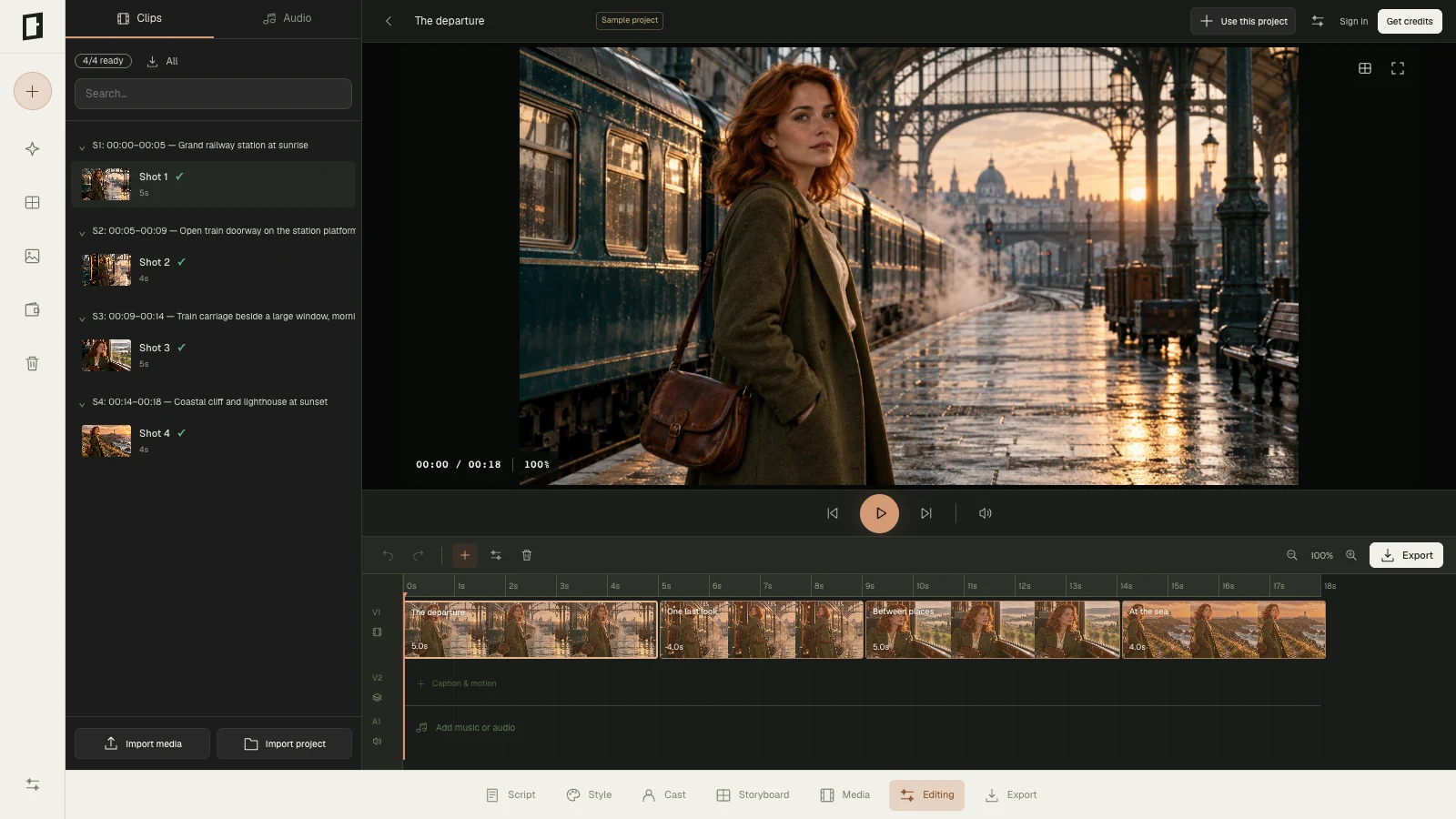
Plan your scenes, generate individual character-referenced frames, then arrange stills and your own footage with sound. Review the sequence and export it from your browser.
 Open sample project
A practical storyboard-to-video workflow for testing timing and communicating a visual idea.
Write the scene, action and framing for each shot. Add a character reference and visual direction to keep the story context together.
Generate selected still images and revise individual shots. Check the face, wardrobe and action: AI consistency can vary between frames.
Arrange stills and your own video clips. Set timing, transitions and audio, preview the sequence and export video in a browser-supported format. A sequence made from stills can show camera moves and timing; it does not create new AI-animated footage.
The complete set requests four body angles and four expressions — eight separate images, not eight action poses. Download your chosen results or a contact sheet. The one-time $9.90 Character Pack includes 30 character-image credits; eight images use 24 credits.
Explore the character reference set →Generate still frames for different actions and assemble them with your own media into an animatic. A full-workflow pack starts at $29 for 390 credits; image generation uses 3 credits per image. Editing and export use no additional generation credits. The Character Pack does not include video tools.
Compare one-time packs →CharaFold does not synthesize new AI motion footage. Browser export format depends on browser support. Download private uploaded references and generated images within 24 hours.
Arrange generated storyboard stills and your own images or video clips on the timeline, set shot durations, add transitions and audio, then export an animatic video in a browser-supported format. Full-workflow packs include video tools; the image-only Character Pack does not.
No. OpenAI generates still storyboard images, not moving video footage. Movement in the finished sequence comes from timing, camera moves and transitions applied to stills, or from video clips you upload.
Describe the action and scene for each storyboard shot and use a shared character reference when generating frames. Review each image: AI identity, wardrobe and scene details may vary and are not guaranteed.
The $9.90 Character Pack is for character images only and does not include video tools. Full-workflow packs start at $29 for 390 credits, purchased once. Applicable taxes are shown at checkout.
See the four-shot storyboard example → · Inspect actual character generation tests →