 CharaFold
Character reference
sheet templates.
Three blank layouts for a character worth keeping consistent.
Download, add your artwork, and share the details.
A blank, labeled layout for showing one character’s appearance from different angles or with different expressions. These templates organize images you already have; they do not generate new artwork.
Complete reference sheet
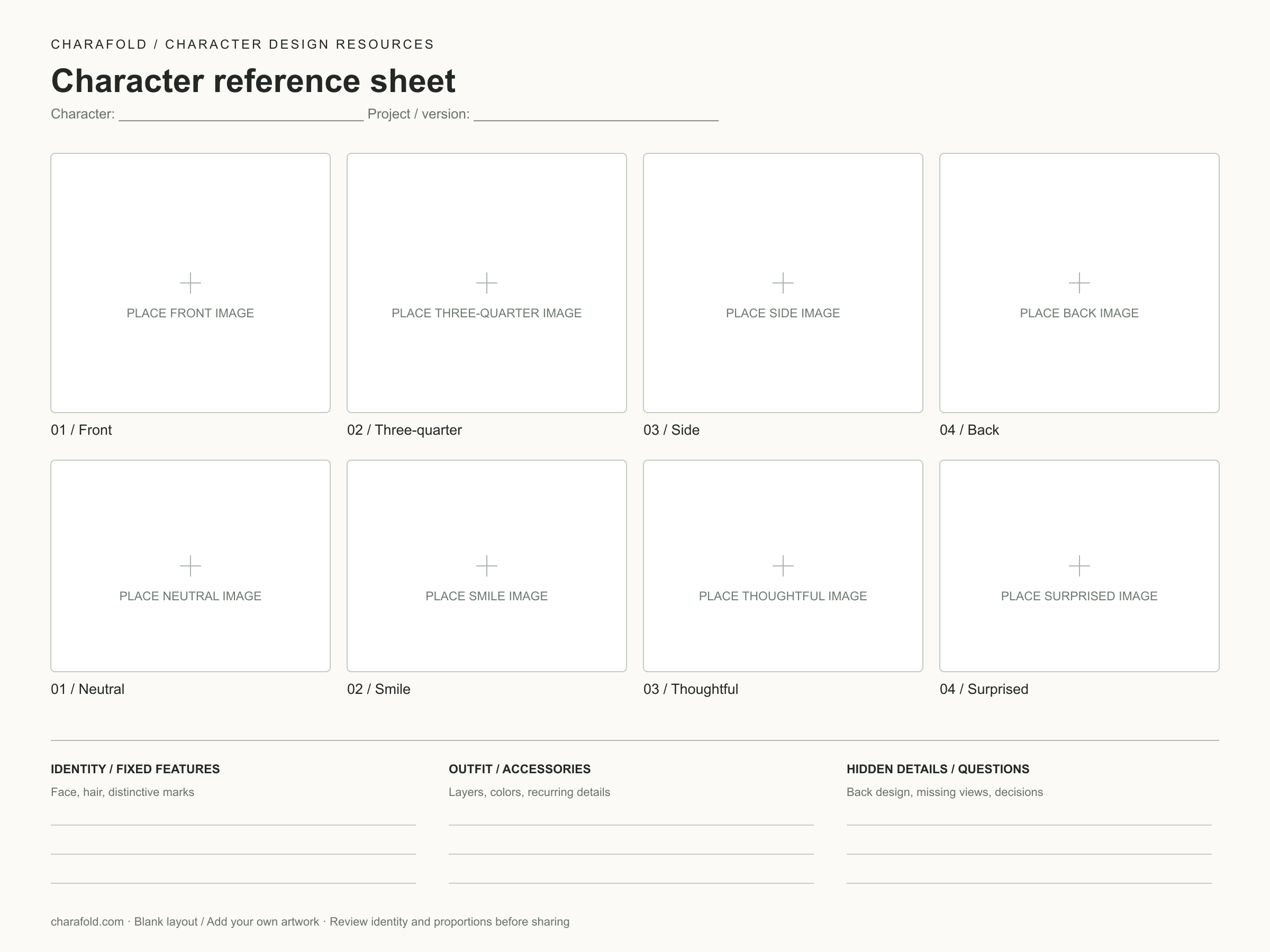
Use this when another artist needs both the full design and a readable face. The body row is front, three-quarter, side and back. The portrait row is neutral, smile, thoughtful and surprised.
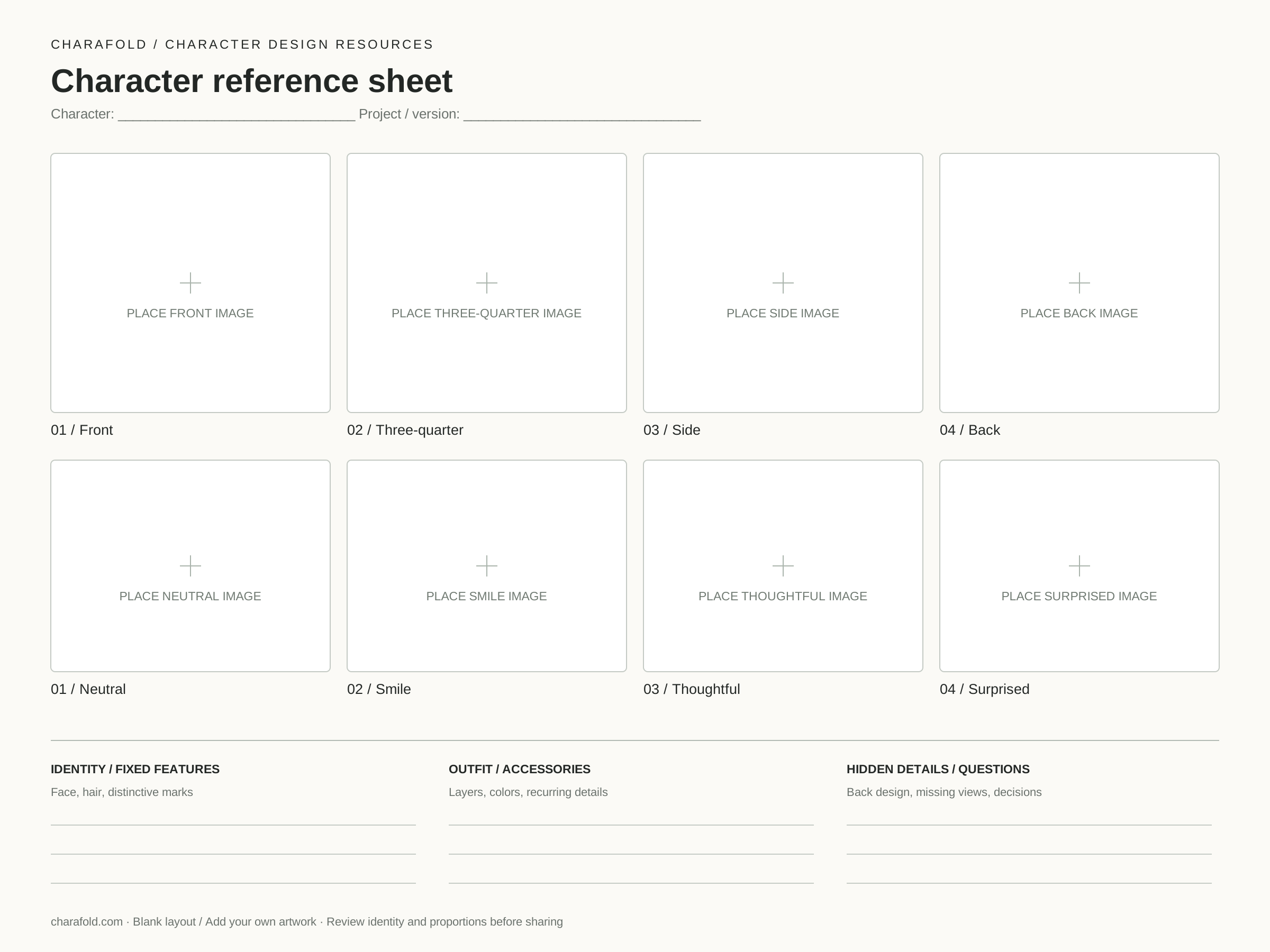
2400 × 1800 PNG · Editable SVG · No account or credits
Four-view turnaround
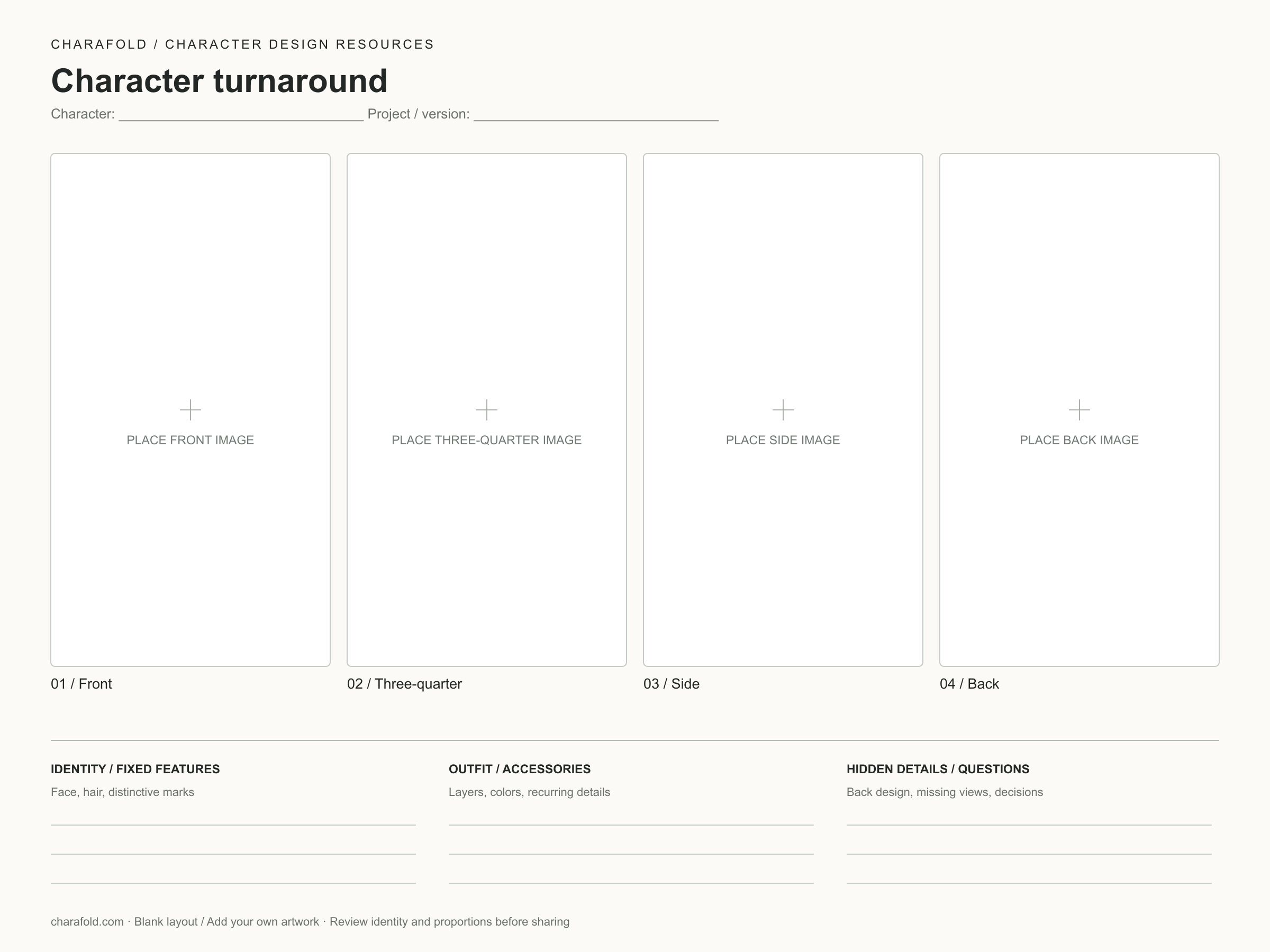
Use this for silhouette, clothing and body proportions. The shared panel height helps you place views at a comparable scale. The layout itself does not correct perspective or align anatomy.
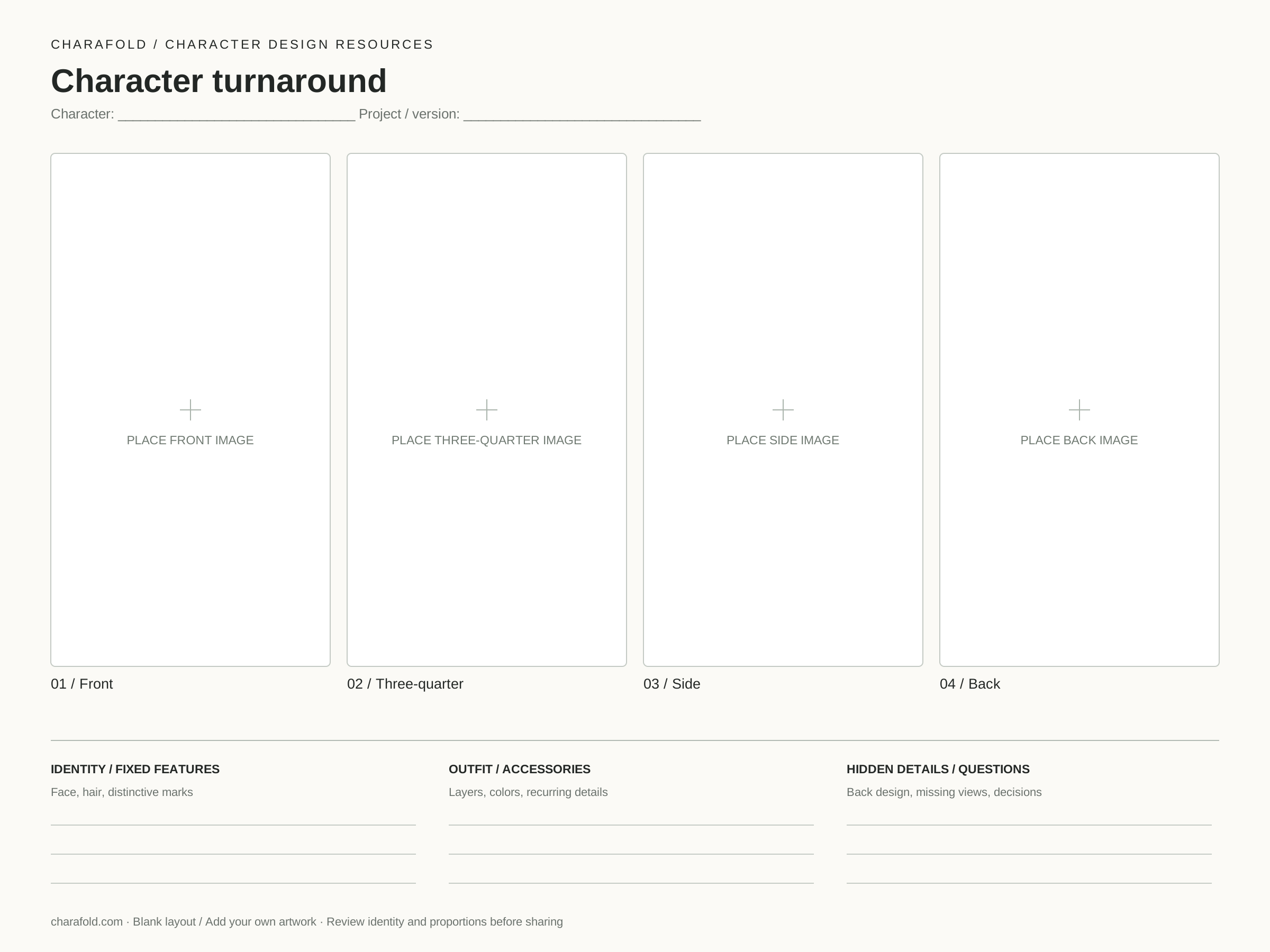
2400 × 1800 PNG · Editable SVG · No account or credits
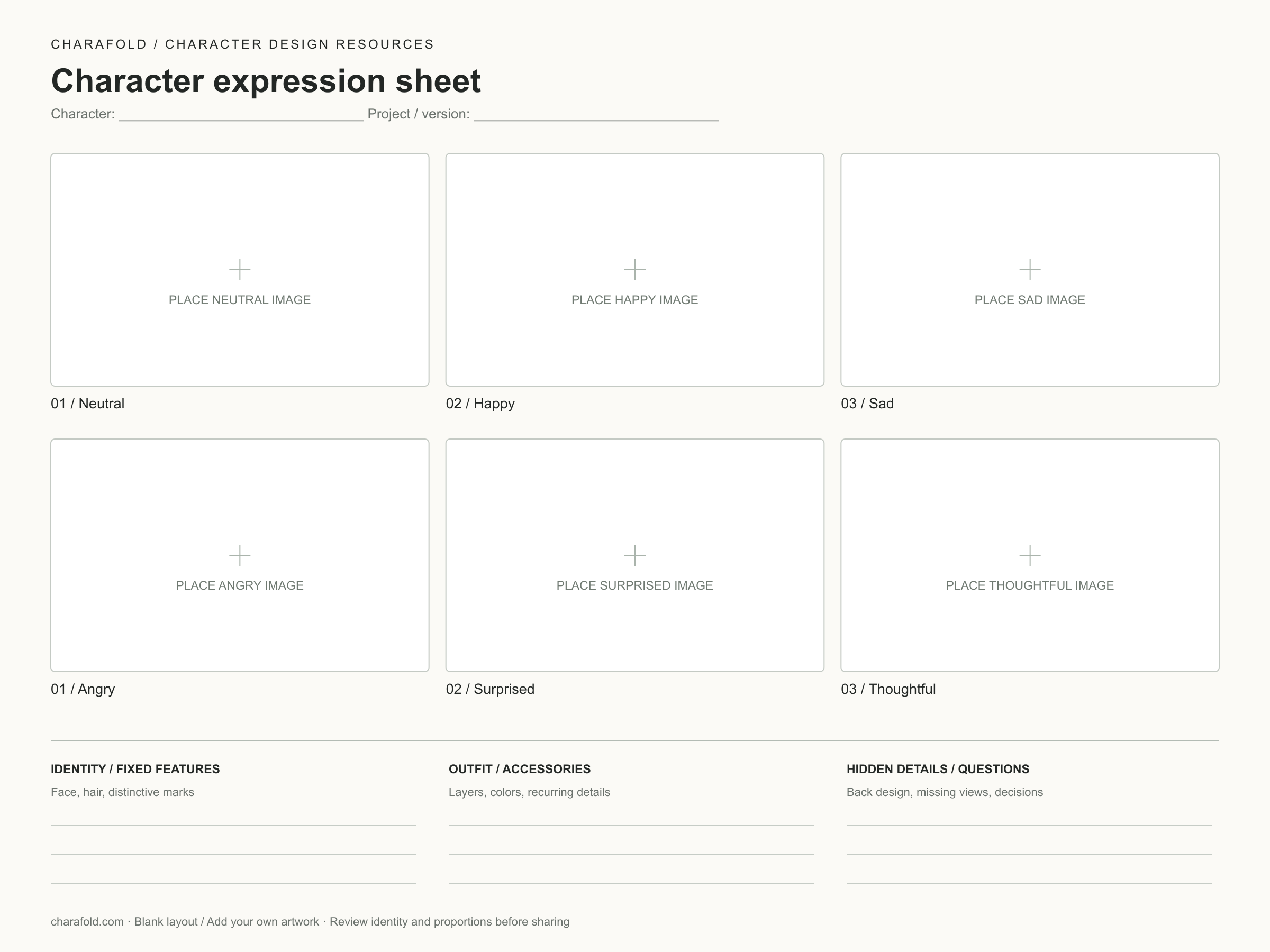
Six-expression sheet
Use this to plan the emotional range of a character. Keep the face crop and head size similar in each panel. These six blank slots are a drawing layout; CharaFold’s current generated expression preset contains four portraits.
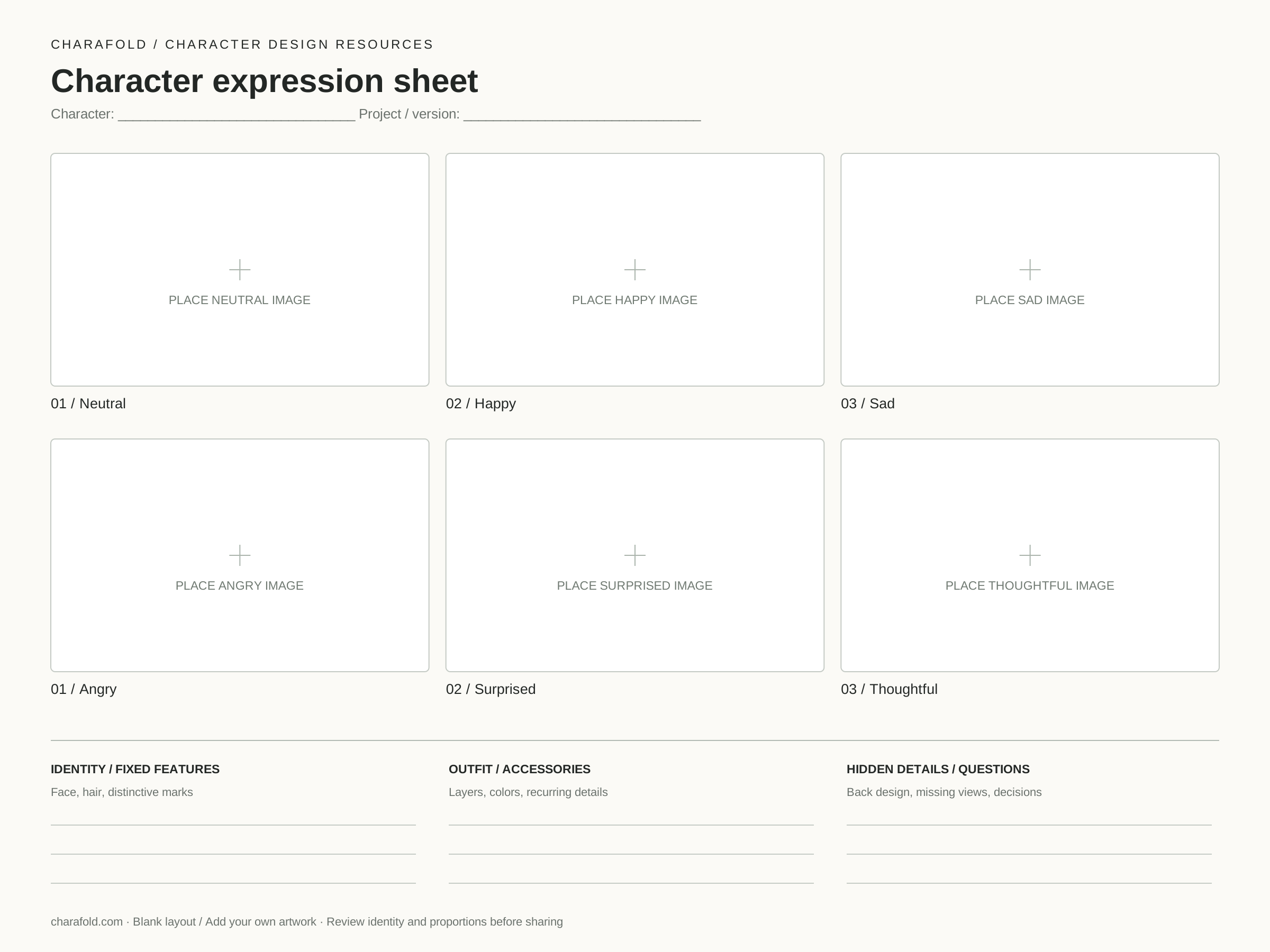
2400 × 1800 PNG · Editable SVG · No account or credits
How to use a character reference sheet template
- Choose a layout. Use the full sheet for a broad handoff, a turnaround for the body, or the expression layout for facial acting.
- Add images in your editor. Open the PNG in an image editor or import the SVG into a vector editor. Place your drawings or rendered views inside the matching labeled panels.
- Keep the framing comparable. Match head height and ground level across body views. For portraits, keep eye level and face size similar before judging consistency.
- Write down what must not change. Use the identity, outfit and hidden-detail fields for recurring features. If you do not know the back design yet, mark it undecided rather than treating a generated guess as final.
- Review and export. Check the face, hair, silhouette, clothing and accessories together. Keep a layered working file and export a flat preview for sharing.
Use images you own or have permission to use. Leave out private contact details when you plan to share a sheet publicly. For a 3D handoff, resolve perspective and measurement differences with the modeler; a labeled layout is not a geometrically exact orthographic blueprint.
Need wording for an image editor? Start with the reference sheet prompts. If your existing images look like different people, use the character consistency checklist before filling the layout.
Want an example before you start?
Mara’s studio sample shows four body views and four expressions in a finished contact sheet. It illustrates the arrangement; it is not a guarantee that an AI-generated set will preserve every detail.